Memex
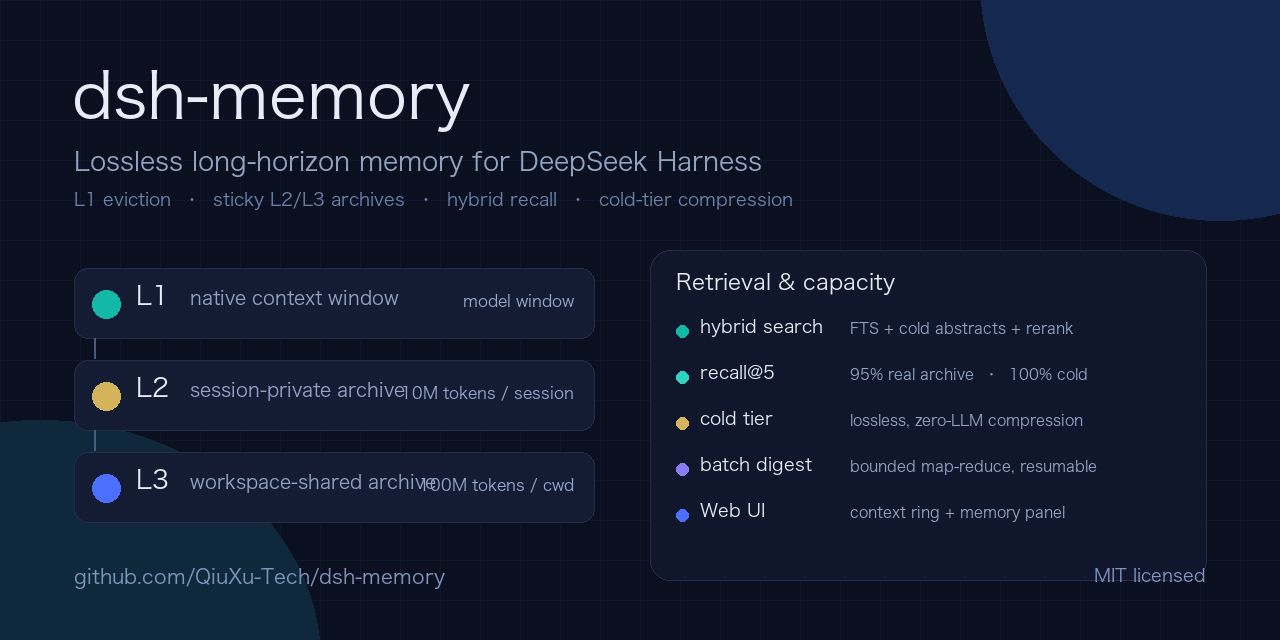
The extra-context layer for AI agents — L1 eviction, sticky L2/L3 context pools, context paging, cold-tier compression.
OpenAI Codex
node packages/memex-codex/bin/cli.mjs init --model gpt-6.1-sol --write-config
# or print the config only:  node packages/memex-codex/bin/cli.mjs config
Codex has no hook surface, so the integration is:
-
MCP server for tools.
--write-configappends (and backs up)~/.codex/config.toml:[mcp_servers.memex] command = "/path/to/node" args = ["/path/to/packages/memex-mcp/bin/server.mjs", "--root", "/Users/you/.memex", "--agent", "codex", "--model", "gpt-6.1-sol", "--levels", "l3"]Equivalent one-liner:
codex mcp add memex -- node <server.mjs> --root ~/.memex --agent codex --model gpt-6.1-sol --levels l3 -
AGENTS.md manual in the project: tells Codex when to search/open/write memory, with the profile-tuned budget guidance.
The generated global configuration no longer includes a fixed --cwd: the MCP server uses its own working directory to select the L3 workspace. With Codex CLI 0.166.0-alpha.5.1, an isolated check verified that the server inherited the session’s --cd directory. Other clients or configurations can set a different server working directory; verify it before relying on workspace separation. A --cwd argument or a fixed mcp_servers.memex.cwd still pins the server to that directory.
Earlier generated configurations may contain --cwd for the project used during setup. Inspect and back up the existing entry before changing it; init --write-config does not overwrite an existing server configuration. Removing that argument does not move existing records, and records captured under the old workspace key need separate review. This is logical tool-level scoping within a shared local store, not an operating-system security boundary between users or processes with access to the store.
L2 uses a fresh session ID for each MCP server process unless --session, MEMEX_SESSION or DSH_MEMORY_SESSION supplies one. This prevents separate default processes from sharing L2, but a restarted server cannot reopen that L2 session without the same explicit ID. Use a distinct ID for each real session. L3 remains shared across sessions in the same workspace.
memory_open pages by line using offset and limit. If a selected line window exceeds maxChars, repeat the same line window with the returned nextCharOffset as charOffset to continue. Read-only MCP tools advertise their behavior; write or destructive calls remain subject to the client’s approval policy.
Note: GPT-6.1 Sol allows a 1,050,000-token API context, but Codex/ChatGPT Work default to a 500k context; the gpt-6.1 profile models the API limit and can be overridden (profileOverrides: { windowTokens: 500_000 }).
Because there is no transcript hook, capture happens when the agent calls memory_write (the manual instructs it to write durable decisions/facts). For verbatim transcript archiving in Codex, run the MCP server in the same root and let the agent call memory_write with the span, or use a wrapper script that pipes the session log into memory_write.